English PDF
The Browser SEO Field Guide
Learn how to audit a website for SEO using tools you can open in your browser. Includes an 85-page English PDF, 10 worksheets and a sample audit report.
You’ll review the offer on Whop before paying.
What’s included
In the download
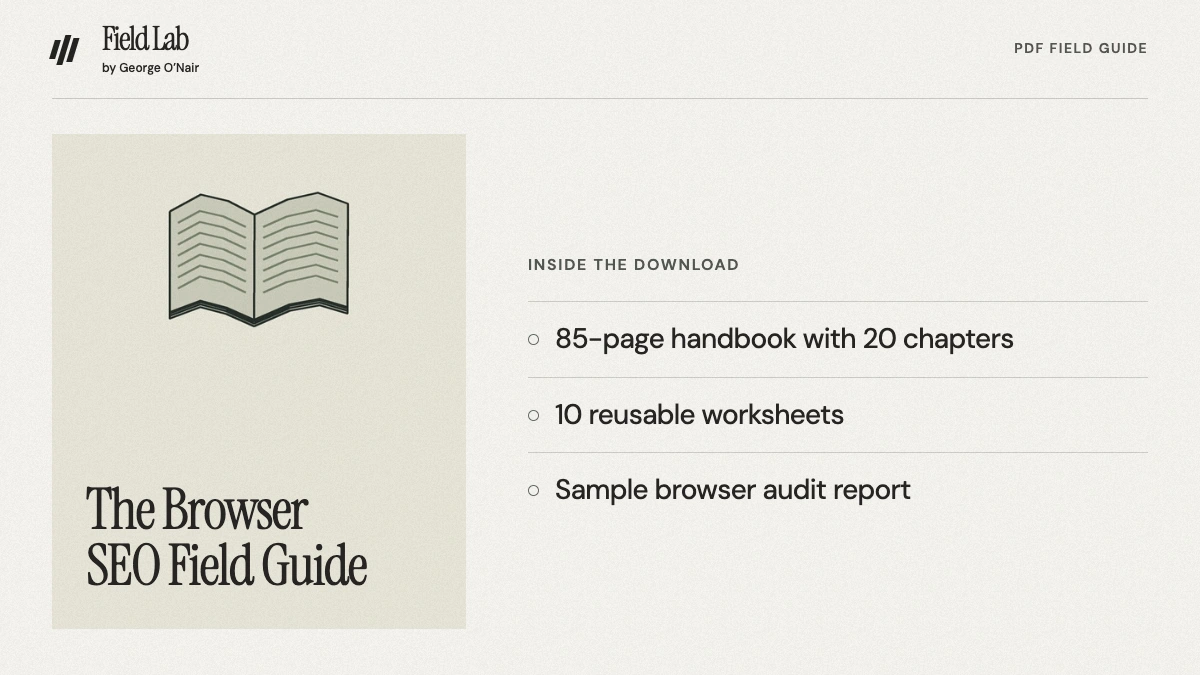
- The Browser SEO Field Guide, an 85-page English PDF with 20 chapters.
- Ten reusable worksheets for research, baseline evidence, release checks and AI answer samples.
- A separate Sample Browser SEO Audit PDF showing how findings and browser evidence are presented.
What you can produce
Use the worksheets to record your baseline, match search queries to pages and plan the next check.
How to use it
Start with the decision you need to make
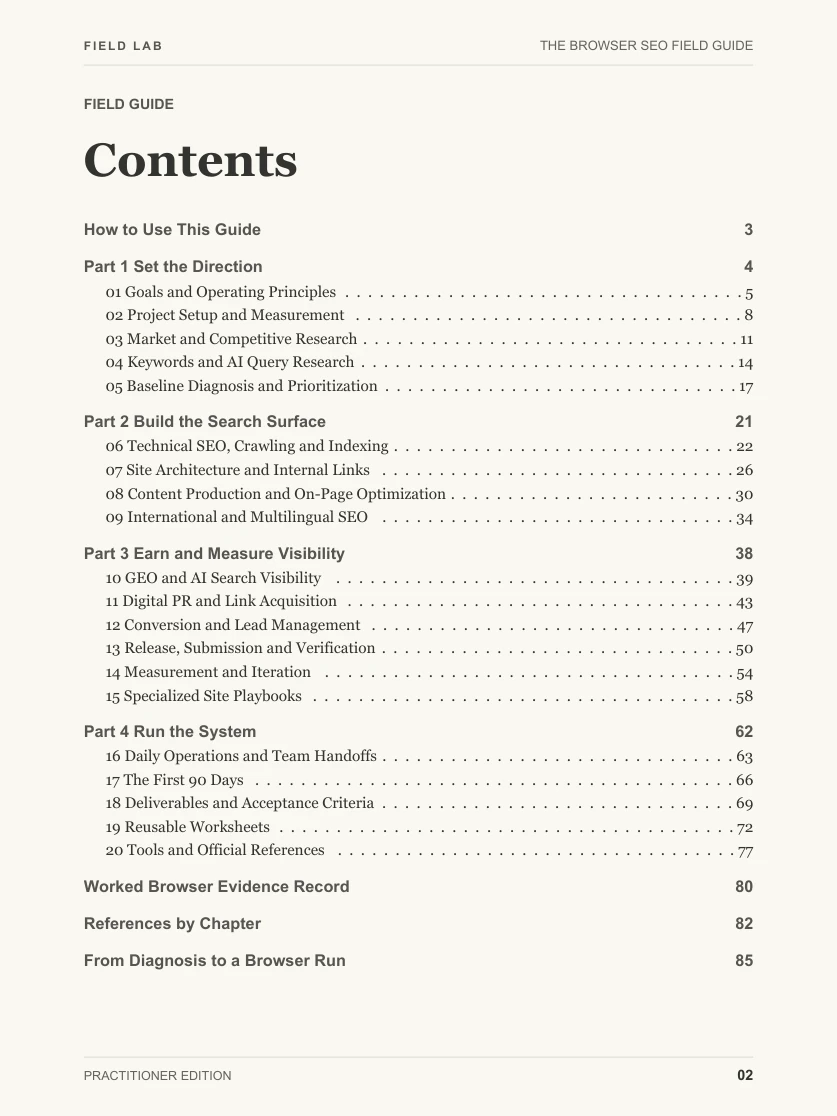
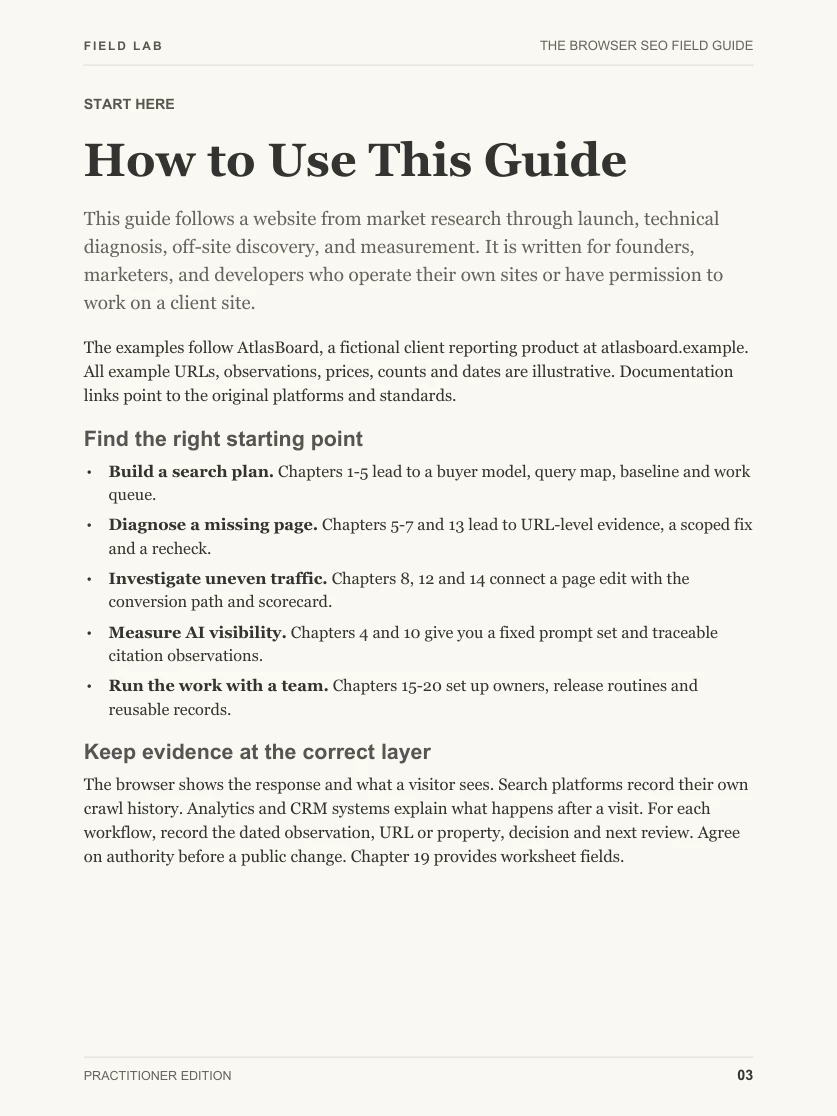
Use the linked contents to find your task. For a crawl or indexing issue, open Chapter 6 and the Worked Browser Evidence Record.
Capture your own browser evidence
Follow the manual steps on your page. Use the Chapter 19 worksheets to record the URL, observation, source and open question.
Pick a change and schedule a recheck
Use the release and measurement chapters to document what would confirm the fix, then repeat the same check after the change.
Before you buy
Pick this edition if
- Site owners who need a repeatable way to go from search research to a release and follow-up.
- SEO practitioners who want worksheets they can use to document decisions and hand work over.
What you’ll need
- A site you can work on, a priority page or question, and a goal for the project.
- A regular browser and a PDF reader. Bring your own account access for steps that use owner reports.
The guide is a manual workflow and uses a fictional SaaS case. Run the steps on your own site and use your authorized accounts for owner reports.
Questions
Can I use this on an existing site?
Yes. Start with the measurement and technical diagnosis chapters, then go to the chapter for the issue you find.
What software do I need?
Use a PDF reader and your regular browser. Each account-based step uses the access you already have.